For years, Siri has been the most common iPhone let-down. It could give you a timer, and initiate a phone call, but tripped over anything that required serious brain power. With iOS 27 (rolling out to the masses now), Apple hopes to change that image. This is not so much a smooth new version as an entirely different way of thinking: the assistant is taking a place on our iPhones.
The Headline: A Rebuilt Siri
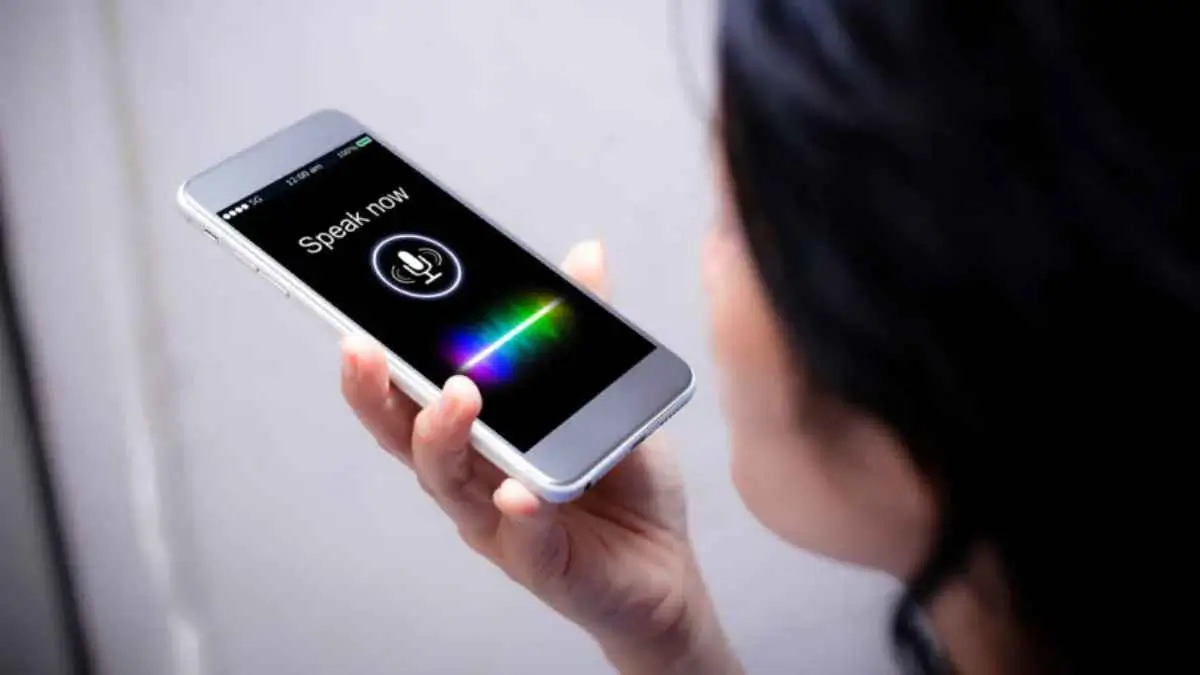
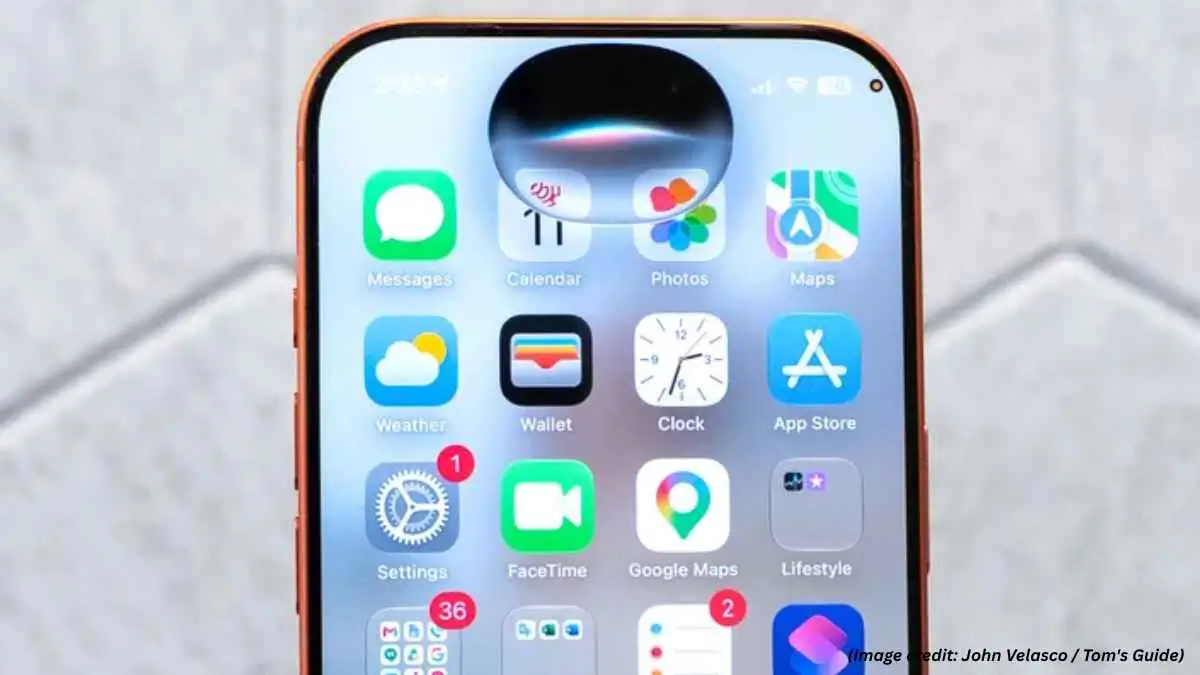
Apple describes the release itself as putting Siri AI first, leading to “an all-new version of Siri that is far more intelligent, knowledgeable and helpful.” The language is surprisingly blunt for Apple, and ‘We’ve rebuilt our digital assistant from the ground up, ‘ is also mentioned. In fact, you can simply ask an open-ended question to Siri in the same way you would like to Google or ChatGPT.
Most revealing is the new dedicated Siri app. It is a conversation space with ‘thread history, file uploads, iCloud sync between devices.’ Which is just a subtle way of saying that voice command is no longer the whole product. Siri is now a place to hold a conversation.
Siri goes even further into our daily writing. A system-wide Write with Siri utility, accessible from the keyboard, can generate text from nowhere, critique your text, modify its feel and even copy your writing style based on analyzing your mails and texts. Visual Intelligence is also included. Siri can give your the nutrition facts of a meal or do the calculation of a copied receipt.
Search, Rebuilt Underneath
Spotlight might be the most important upgrade that most iOS users will ever experience. It has been transformed into a far more complete indexing system that maintains performance throughout the day, with Siri built into it. The foundation for search in Photos and Mail has been laid on the same system. Useful, dull work, but it’s what makes an assistant intelligent in practice.
Apps That Anticipate
Much of this is distributed throughout Apple’s core software, but it is shown to its best advantage in the Safari web browser, which can organize open web pages into folders by topic. Notify Me monitors a web page and sends notice of changes like a lower price or a product coming back in stock. Describe an Extension allows users to create custom Safari extensions simply by describing what they want. This latter application offers a glimpse of the future of software design as Apple envisions it.
You Might Be Interested In:
- What Is SaaS in Cloud Computing?
- How Voice Assistants Are Changing Technology
- Meta Project Phoenix Headset Leak Reveals Slim New Design
Photos receives a new version of Spatial Reframing and an improved version of Clean Up, which analyzes depth, shadow and texture and can seamlessly fill in erased spaces. Messages, Mail and Calendar interpret context, recommend actions, and generate events from flat text.
Not Everything Is Artificial
The subtle but welcome changes go well beyond AI. Based on 9to5Mac, the update introduces an extra-large Home Screen widget and full-screen display for music and weather, plus a new volume control in particular for alarms. When you copy and pasting, rather than having your data go into a box at the bottom of the page, you’ll see the option to paste above the keyboard. And CarPlay includes an audio scrubber for jumping between tracks and episodes.
Apple has also overwhelmed the Transparent Glass. which was introduced last year translucent aesthetic. He now incorporates a display for scrolling through without breaks, unlike his predecessor (crisp toggles). Would authors of the original want to believe that this is a capitulation, and an appropriate one?
Speed, Safety and Accessibility
Below, Apple focuses back on the fundamentals of engineering, with an improved CPU scheduler. First reports indicate that it is worth it: animations are snappier, apps are opening faster, and AirDrop transfers finishes more quickly. Also, the messaging becomes more reliable, as if a message is not sent, it is retried, and the phone moves more seamlessly between wifi and cellular. While those enhancements are all sitting below the AI layer, they are available for every supported iPhone.
Families are addressed also. For Apple, new parental controls and major enhancements in Screen Time features had been released. Accessibility enhancements include auto-generated, synchronized subtitles for any video, with existing subtitle editing supported as well. And, in health, there is now Cycle Tracking notification capabilities when logged patterns indicate perimenopause.
The Fine Print
The problem is eligibility. It will run on any iPhone 11 or newer, but most of the new features only work with Apple Intelligence and an iPhone 15 Pro or later. the Siri AI itself is limited to all iPhone 16 models and later, as well as the iPhone 15 Pro and Pro Max. Apple also notes some features may not be available in all regions. Users of older iPhones will get a faster iPhone, but not a smarter one.
The Verdict
IOS 27 is the most vivid statement we have seen from Apple in response to the accusation that it had lagged behind in the AI race. By rebuilding its assistant and search from the bottom up and not just tacking on a new layer of features, the company is making a wager to pay off over time. If its new assistant turns out to be as effective in practice as Apple claims it will be, this will be the version of the OS that first brought our iPhones to start truly understanding us rather than simply responding to our commands. If it turns out not to be, the sleekness, speed and minor improvements will still make the upgrade worthwhile.

Digital entrepreneur and content expert I help businesses with AI, SEO and the latest tech trends. I started Silicon Valley Weekly to make complex tech concepts easy to understand and use for business growth. I know a lot about systems and help startups, entrepreneurs and brands navigate the fast-changing world of tech and online marketing.
I build strategies that use data, search optimization, content marketing and AI tools to get visibility, engagement and revenue. I love finding ways for businesses to grow increasing their presence and turning new ideas into successful businesses. My goal is to connect the technology, with practical business use so brands can succeed online.