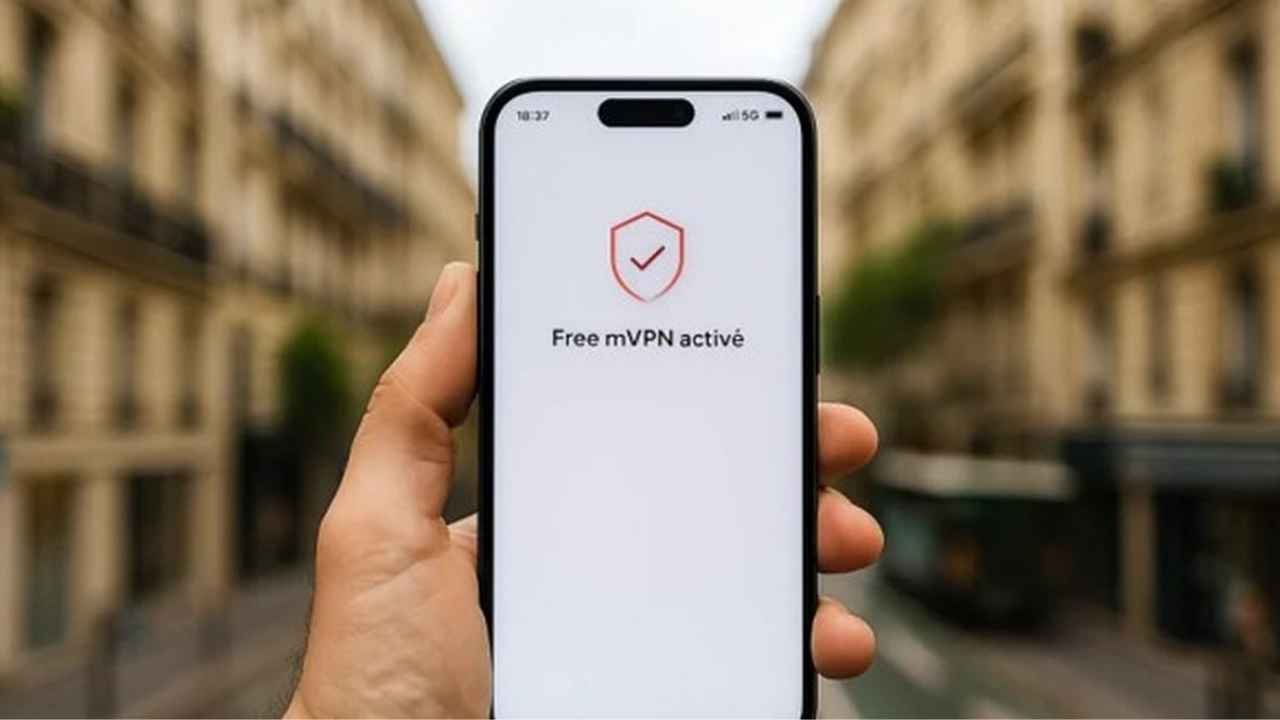
Free Mobile has added a new feature called Free mVPN, which is a built-in VPN service that works directly with its mobile network. This service, which started in late 2025, is one of the first operator-level VPNs that eligible subscribers can use for free. Free mVPN works perfectly through the carrier’s core infrastructure, unlike traditional VPN apps that need to be downloaded, subscribed to, or set up in a complicated way. It also encrypts mobile data sessions from end to end. It protects your privacy, blocks harmful or fake content, and gives users an IP address from a few European countries, such as Italy or the Netherlands. All of this is done in a way that is easy to understand and use.
Free Mobile’s new mVPN service is a built-in VPN that comes at no extra cost for subscribers of Free’s 5G and Série Free plans. It can be activated directly from your Free Mobile app or subscriber space without needing any third-party software.
Free mVPN Profile Summary
| Feature | Details |
|---|---|
| Service Name | Free mVPN (Mobile VPN) |
| Availability | Included in Free Mobile 5G and Série Free plans (not available for €2 mini plan) |
| Cost | Free, no additional subscription required |
| Activation Method | Via Espace Abonné Mobile or Free Mobile App under “Mes options” |
| Prerequisites | Must be a Free Mobile subscriber with eligible plan; phone must be connected to Free’s mobile network (not Wi-Fi) |
| Duration | Active for 12 hours per session, then automatically deactivates |
| Control | Only the account holder (must be an adult) can enable/disable the service |
| Devices Supported | Works on both iPhone and Android, integrated directly into Free’s mobile network |
| Purpose | Enhances privacy and security by encrypting mobile data traffic without external apps |
What Makes Free mVPN Different from Other VPNs
Third-party apps, slower speeds, data caps, or paid subscriptions are common with traditional VPNs. Free mVPN is different because it is network-native. On Free’s mobile network, the encryption and routing happen at the operator level. This means you don’t need to install any extra apps, and it only works on mobile data connections, not Wi-Fi. The service turns on for 12 hours at a time and then turns off automatically. This stops people from always being on, but it lets them boost their privacy whenever they want. It has built-in protections against phishing links, malware sites, and other threats that are found while you are browsing. It doesn’t have as many server options or global locations as premium commercial VPNs, but its free integration is a big step toward making online security available to everyone in France.
Requirements to Get Free mVPN
You can only use Free mVPN if you are a subscriber to one of Free Mobile’s eligible plans. The service is free with the Forfait Free 5G+ (the best unlimited 5G plan) and the Série Free offers. Most of the time, these plans come with fast mobile data, unlimited calls and texts in France, and a lot of options for roaming. Please note that the basic 2€ forfait does not qualify. At first, there were some problems for older subscribers, like those who switched from promotional offers or Veepee bundles. But by early 2026, Free had mostly fixed these problems, giving access to almost all qualifying lines. The person who owns the account (who must be of legal age) is in charge of activation, which makes sure that family or shared plans are used responsibly.
Important Features and Advantages of Free mVPN
Free mVPN puts security and ease of use first. Once you turn it on, your mobile traffic goes through encrypted tunnels to Free’s infrastructure. This hides your real IP address and replaces it with one from Europe (currently Italy or the Netherlands). This helps keep people from listening in on public networks or tracking you at the ISP level. The built-in threat detection automatically blocks access to known fraudulent or malicious sites, adding a layer of defense without any extra work on your part. Sessions last exactly 12 hours before returning to regular connections. This encourages people to use the service mindfully instead of permanently routing. There is no effect on your data allowance or plan speeds beyond what is normal for a VPN because it is free and built in. It’s especially helpful for safe browsing on the go, staying away from sketchy Wi-Fi hotspots, or getting basic location flexibility in Europe.
How to Turn on Free mVPN in Steps
You can activate Free mVPN in just a few minutes from your phone or computer. The steps are the same whether you use the app or the web portal.
- To log in to your Free Mobile account, open the official Free app (for iOS or Android) or go to mobile.Go to free.fr and log in with your information.
- Go to your options: In the app, tap “Mon compte” or “Mon forfait mobile,” and then “Mes options.” Look for the same section on the website under the details of your mobile plan.
- Find Free mVPN: Find the Free mVPN toggle or option. It’s easy to find for accounts that qualify. If you can’t see it, contact customer service or the help pages to make sure your plan is still valid.
- To turn on the session, just click the activation button or toggle it on. The change takes effect right away, sending your mobile data through the VPN. There is no need to restart or set up anything else.
- You can check the status in the same menu for “monitor” and “deactivate.” The service turns off by itself after 12 hours, but you can turn it off whenever you want. You can reactivate it as needed for new sessions.
How to Get the Most Out of Free mVPN
When you’re on Free’s mobile network, Free mVPN works best. It doesn’t work with Wi-Fi. If you’re traveling in Europe, the foreign IP might help you get to some content or protect your privacy, but it’s not meant for heavy geo-unblocking, like streaming services. Pair it with safe browsing habits: stay away from links that look suspicious, since the built-in blocker helps but isn’t perfect. Plan your use of sessions around activities that need extra protection, like online banking or accessing sensitive sites on public transportation, since they only last for a short time. If you have problems (which are rare after the 2026 updates), go to Free’s help portal or call support at 3244. The service is still only available on mobile devices, so it works with full-device VPNs for laptops and home use instead of replacing them.
Things to think about and limitations
Free mVPN is new and interesting, but it has some problems. It only works for 12 hours at a time, not all the time. There are only a few server options right now (only in Europe and with random assignment), so it won’t always get around strict regional blocks. It only works with mobile data, so Wi-Fi is not protected. Users who care about privacy should know that Free handles the encryption because it is a carrier-integrated tool. There haven’t been any major problems with it, but it’s not a zero-knowledge third-party VPN. Some early users said they had problems with eligibility on old plans, but these have mostly been fixed. If you need more advanced features like support for multiple devices or global servers, think about adding dedicated apps.
The Future of Mobile VPNs That Work Together
Free mVPN is a new way for operators to think about cybersecurity, putting privacy tools right into connectivity. Free VPN access is easy and free, which goes against the idea that digital protection is a luxury. As of March 2026, it is still the only one of its kind on the French market, which could give competitors ideas. It’s a useful benefit for subscribers that makes everyday life safer without being hard or expensive. If you’re on a Free plan that qualifies, turning on Free mVPN is a quick way to improve your mobile experience. Try it today and browse more safely while you’re on the go.
Frequently Asked Questions (FAQs)
- What is Free mVPN?
Free Mobile offers a built-in VPN service called Free mVPN. It encrypts all of your mobile data traffic from end to end, hides your French IP address by routing it through a random European server (currently Italy or the Netherlands), and automatically blocks harmful or fake content (like phishing links in SMS or web browsing). It’s meant to keep your privacy simple and easy while you’re on the go, without needing a separate app.
- Is Free mVPN really free?
Yes, it’s free and comes with no extra charge. There are no extra fees, data limits that only apply to the VPN, or subscription requirements other than having a plan that works.
- What plans come with Free mVPN?
You can get it with the Forfait Free 5G+ plan (the main unlimited 5G plan) or the Série Free plan. Some older promotional or legacy subscriptions, like some migrated Veepee bundles or plans from 2019, may not be eligible. If you don’t see the option in your account, look at your plan details or call Free support.
- Does Free mVPN work with Wi-Fi?
No, it only works on Free’s mobile network (4G, 5G, and 5G+). If you’re using public or home Wi-Fi, you should use a different VPN app because this one doesn’t protect Wi-Fi connections.
- How long does a Free mVPN session last?
After you turn on a session, it will last for 12 hours before switching back to regular (non-VPN) mobile data. This is on purpose to make people think about how they use it. You can reactivate for a new 12-hour session as many times as you want.
- Is it possible for me to pick the country or server for my IP address?
Right now, the IP is randomly assigned to either Italy or the Netherlands (only European locations). There is no manual selection yet, but Free has hinted that they will make it easier to choose a country in the future.
- Does Free mVPN help you get around geo-blocks or get to content that is blocked?
The foreign IP can sometimes help with basic European geo-restrictions, but it’s not designed for streaming services like Netflix or other sites that are good at finding VPNs. It is mostly for privacy and security, not for heavy geo-unblocking.
- Can you use MMS or other services while using mVPN?
Some users say that sending and receiving MMS may not work during an active session because traffic is being rerouted. Voice calls and regular SMS are not affected. Turn off the VPN for a short time if you really need MMS.
- Is my data safe and private with Free mVPN?
Your phone’s traffic is encrypted between your phone and Free’s network, which keeps people from listening in on your mobile data. It also stops known threats on its own. But Free handles the encryption because it’s integrated with the operator. It’s not a zero-knowledge third-party VPN. There haven’t been any major privacy scandals, but for the best privacy, use it with other tools.
- Can I use Free mVPN in other countries?
It works on Free’s network in France. When you roam in Europe (where your plan includes data), it may work the same way, but the foreign IP routing is mostly for French users. Try it out while you’re traveling, since behavior can change.
- What if I can’t find the mVPN option in my account?
This could be because the plan isn’t available anymore (like old promotions). To fix the problem, you can either update your Free app to the latest version, clear the cache, or call Free support at 3244. Most of the problems with the early rollout from late 2025 were fixed by early 2026.
- Does using Free mVPN make my connection slower?
Encryption and routing may slow things down a little (which is normal for any VPN), but speeds stay close to normal Free 5G speeds in most cases because it is network-native.
- Can mVPN be used by more than one line or family plan?
Each line/account holder has to activate it. On family or shared plans, the main account controls the options, but each eligible line can turn on its own if it is supported.
Free mVPN is still a unique and easy-to-use benefit for eligible subscribers. It’s great for everyday privacy without any hassle. Check Free’s help site or your Espace Abonné for the most up-to-date official information.

Digital entrepreneur and content expert I help businesses with AI, SEO and the latest tech trends. I started Silicon Valley Weekly to make complex tech concepts easy to understand and use for business growth. I know a lot about systems and help startups, entrepreneurs and brands navigate the fast-changing world of tech and online marketing.
I build strategies that use data, search optimization, content marketing and AI tools to get visibility, engagement and revenue. I love finding ways for businesses to grow increasing their presence and turning new ideas into successful businesses. My goal is to connect the technology, with practical business use so brands can succeed online.